Help with installing a VPN online
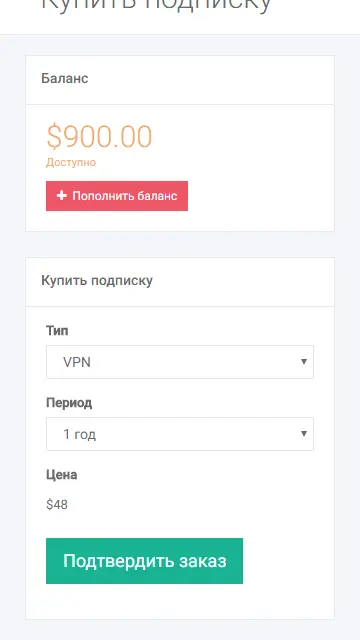
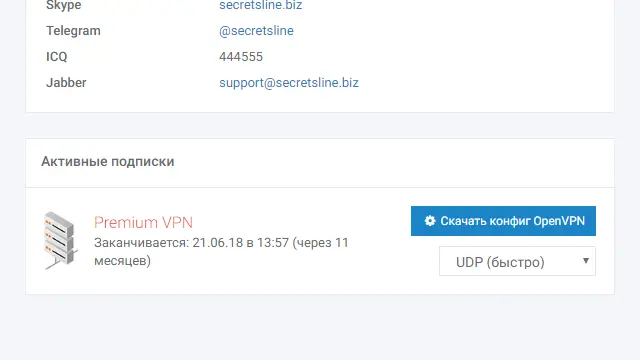
1Go to your Personal Account. Purchase any package and download the subscription configuration files.

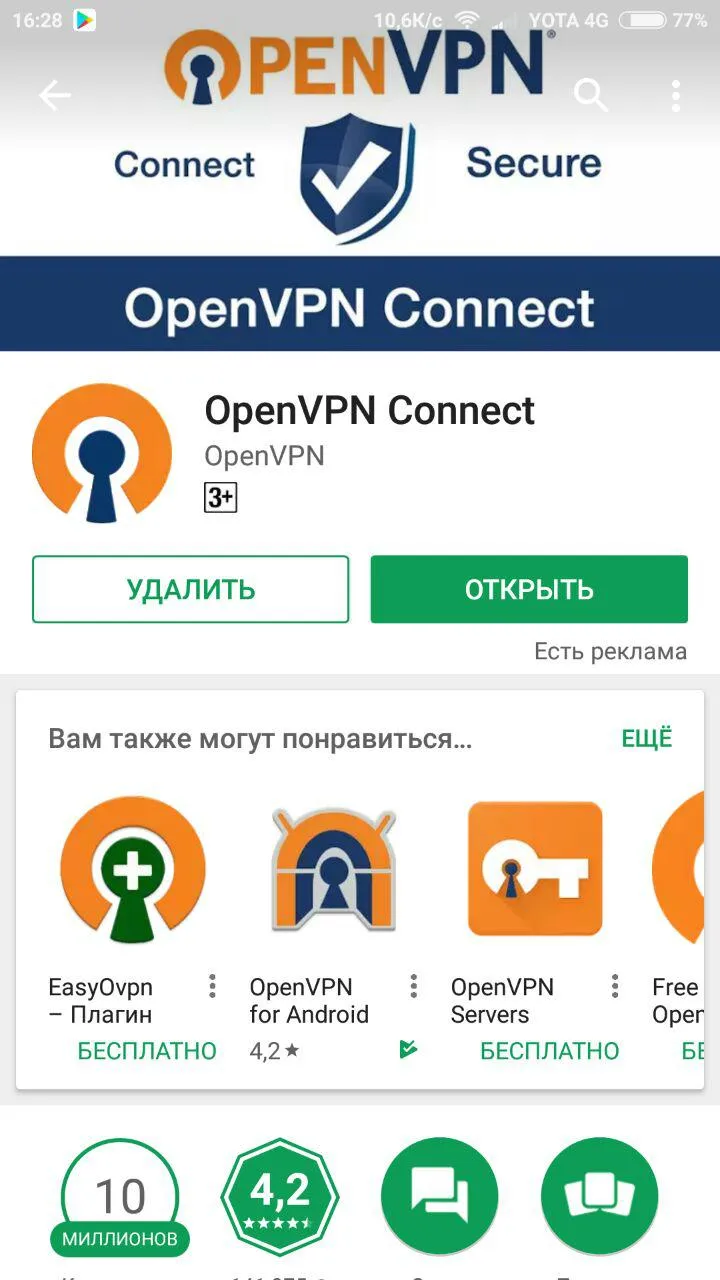
2Go to the Play Store, download the OpenVPN Connect app, and launch it.
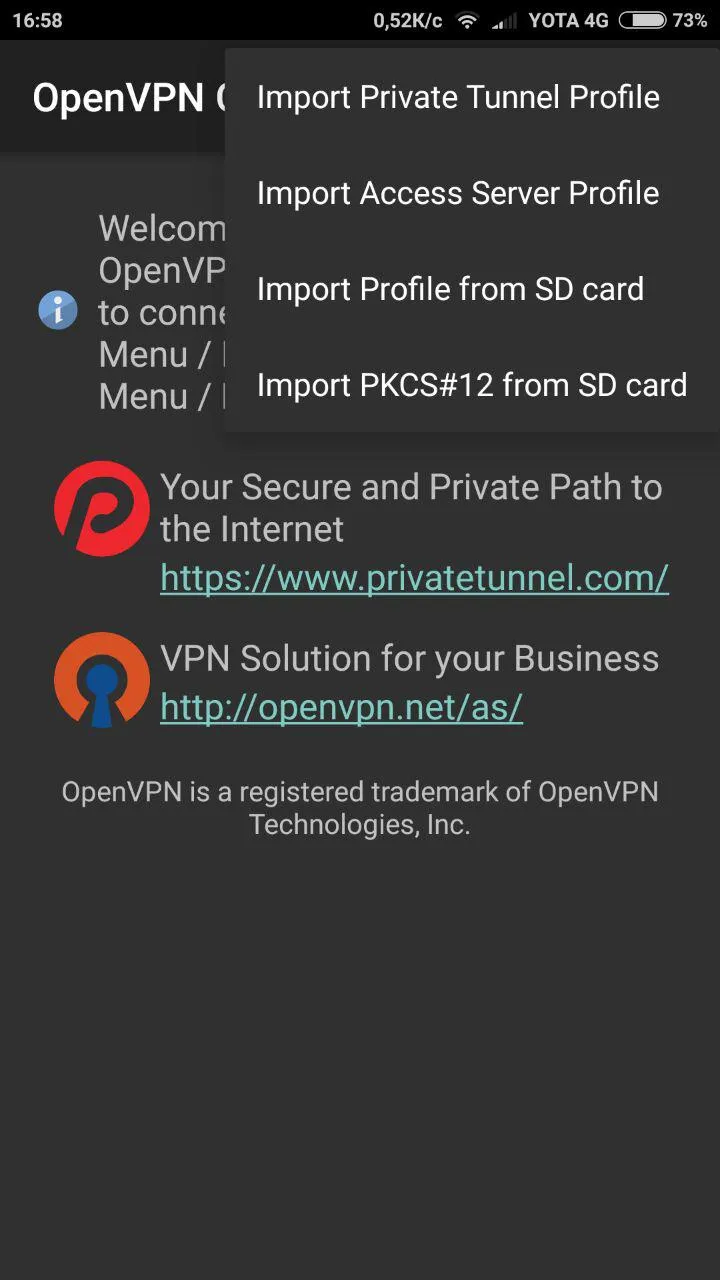
3Import the downloaded configuration files from your phone's storage by tapping "Import Profile from SD card".
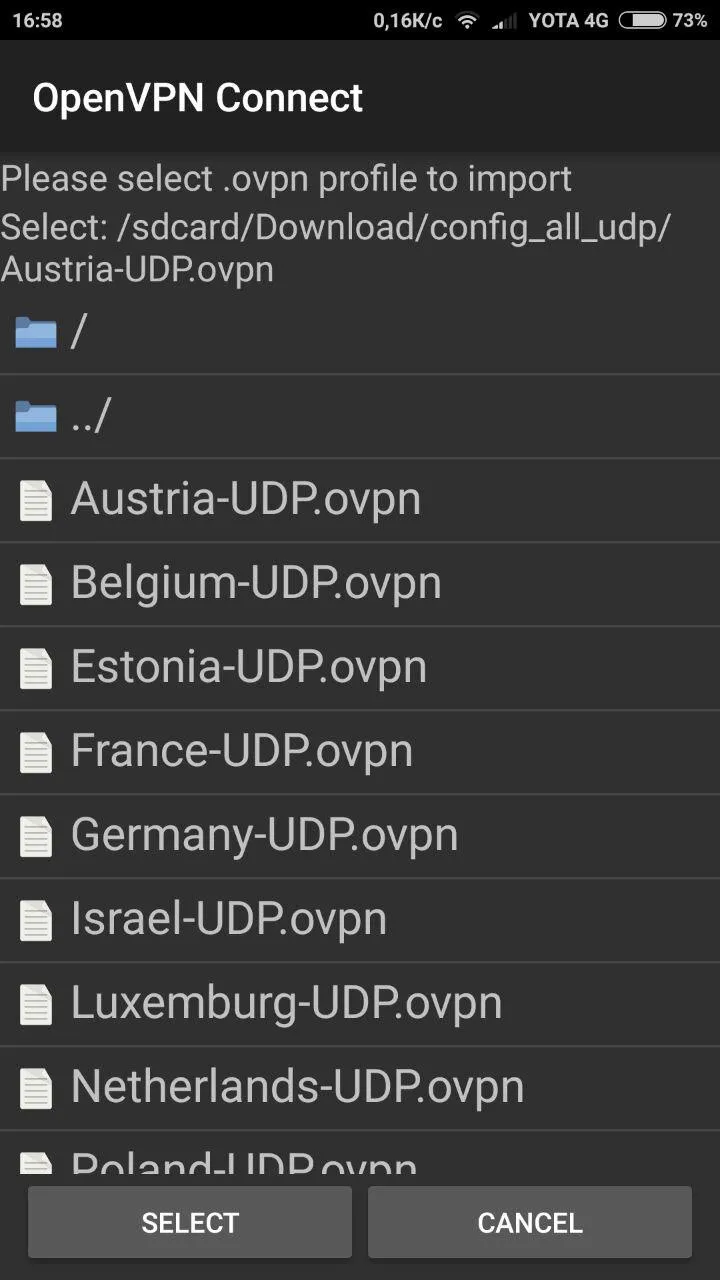
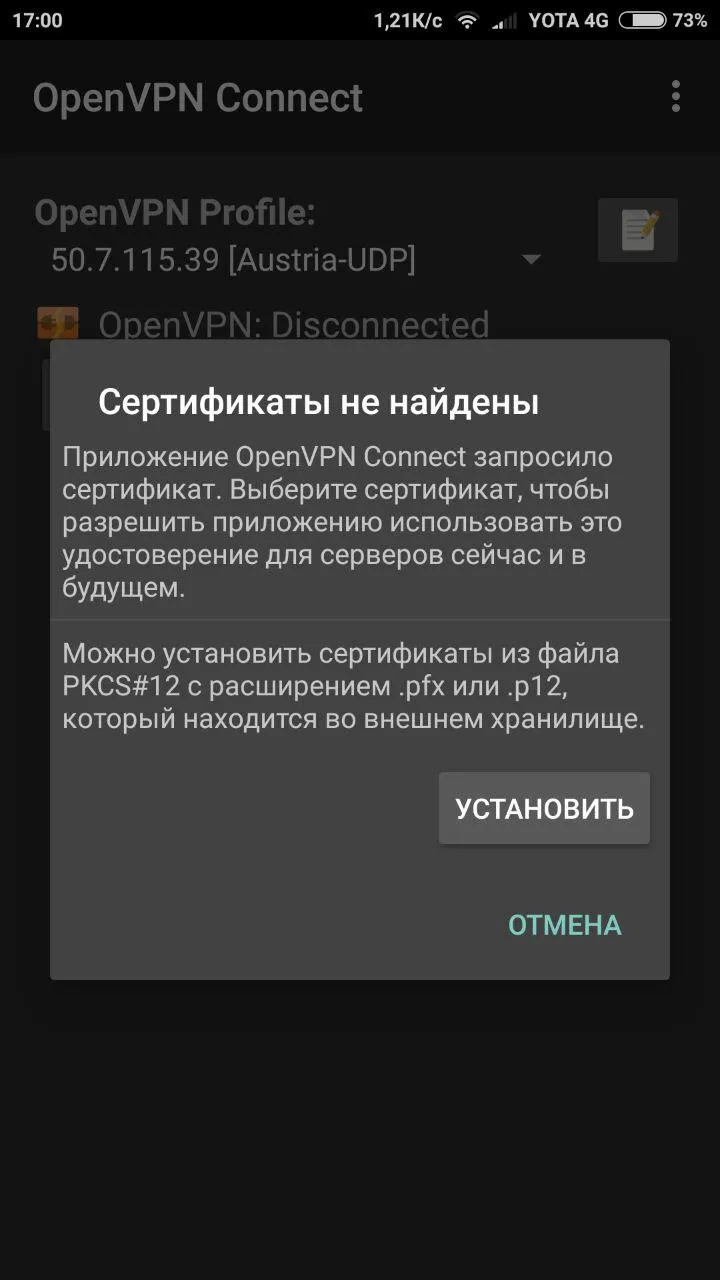
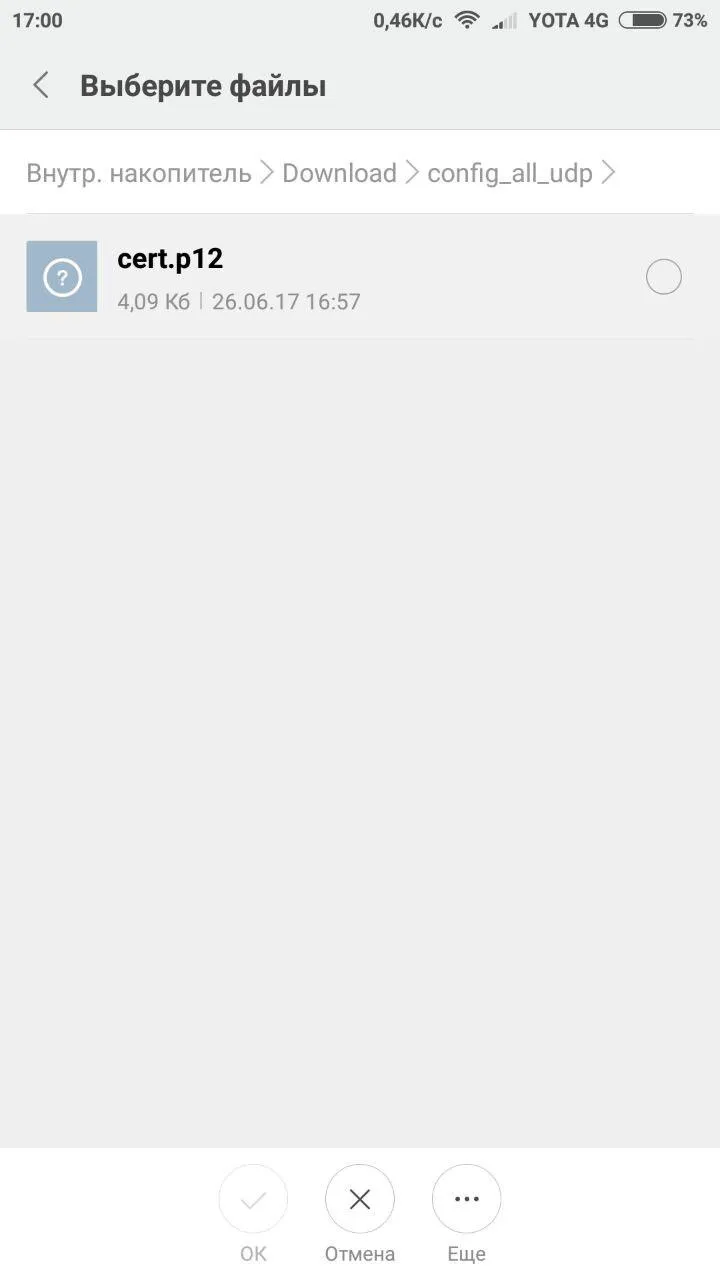
4When prompted, install the certificate (it is located in the same folder as the configuration files).
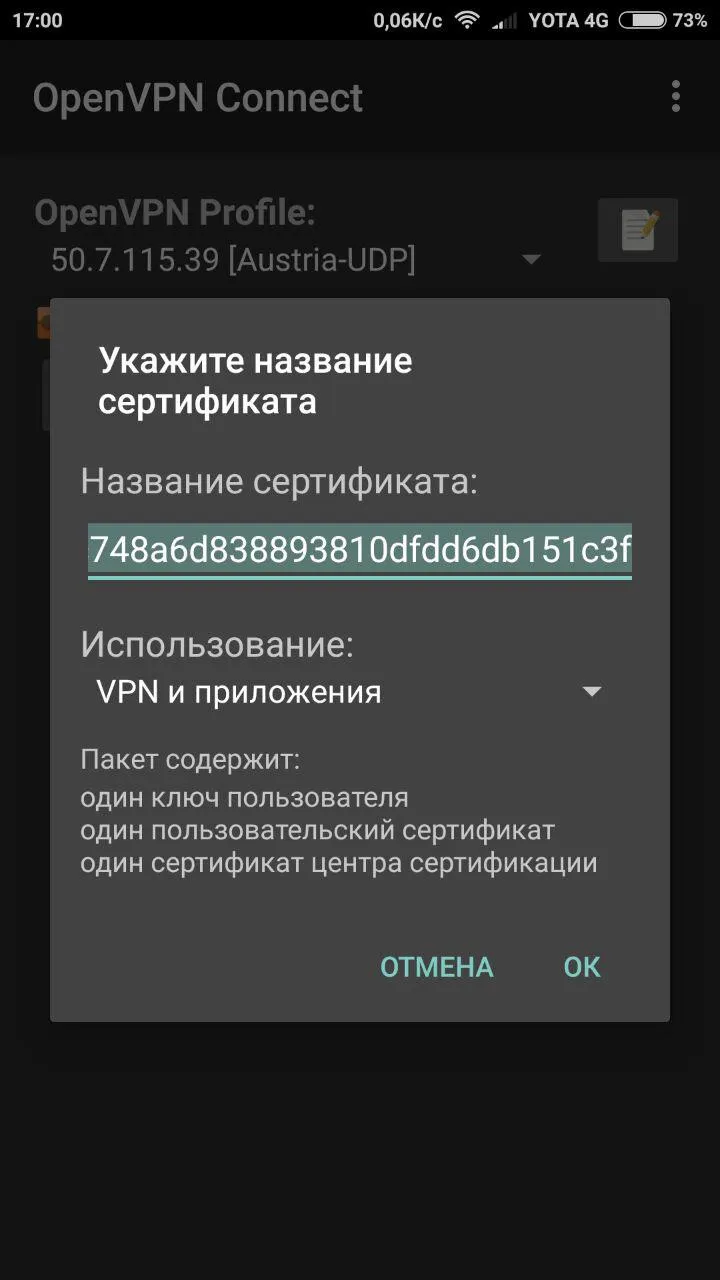
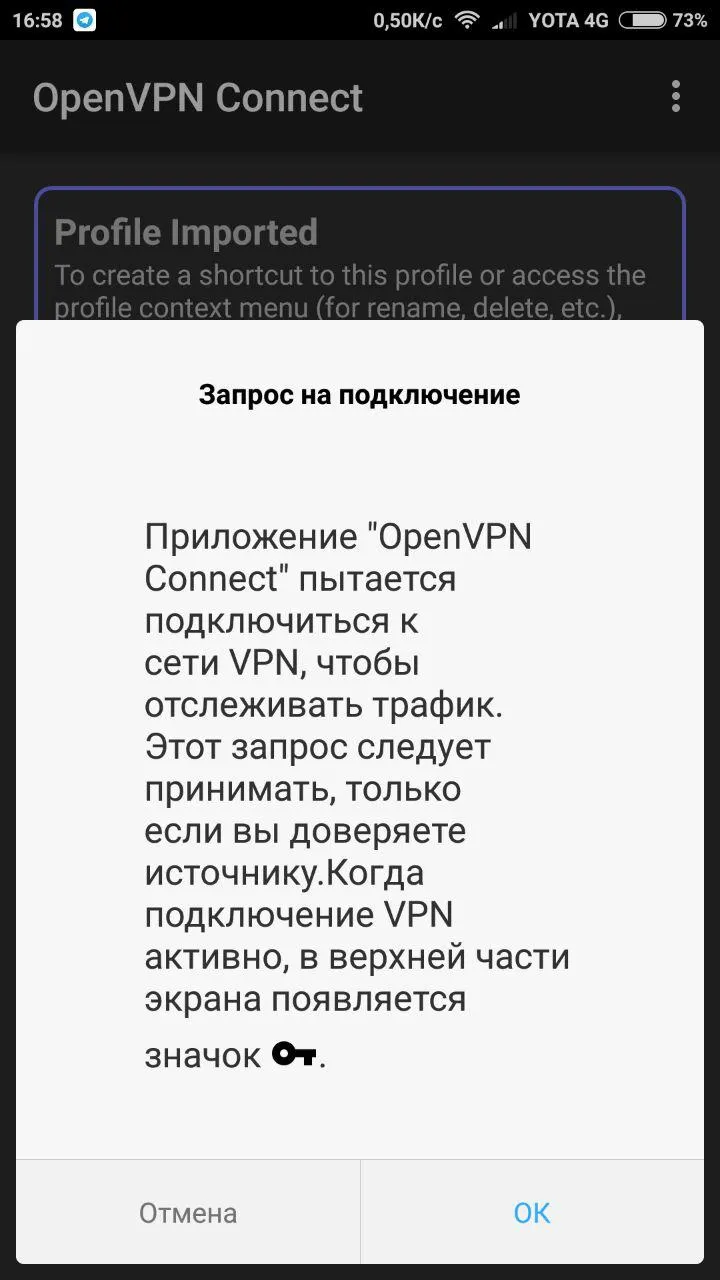
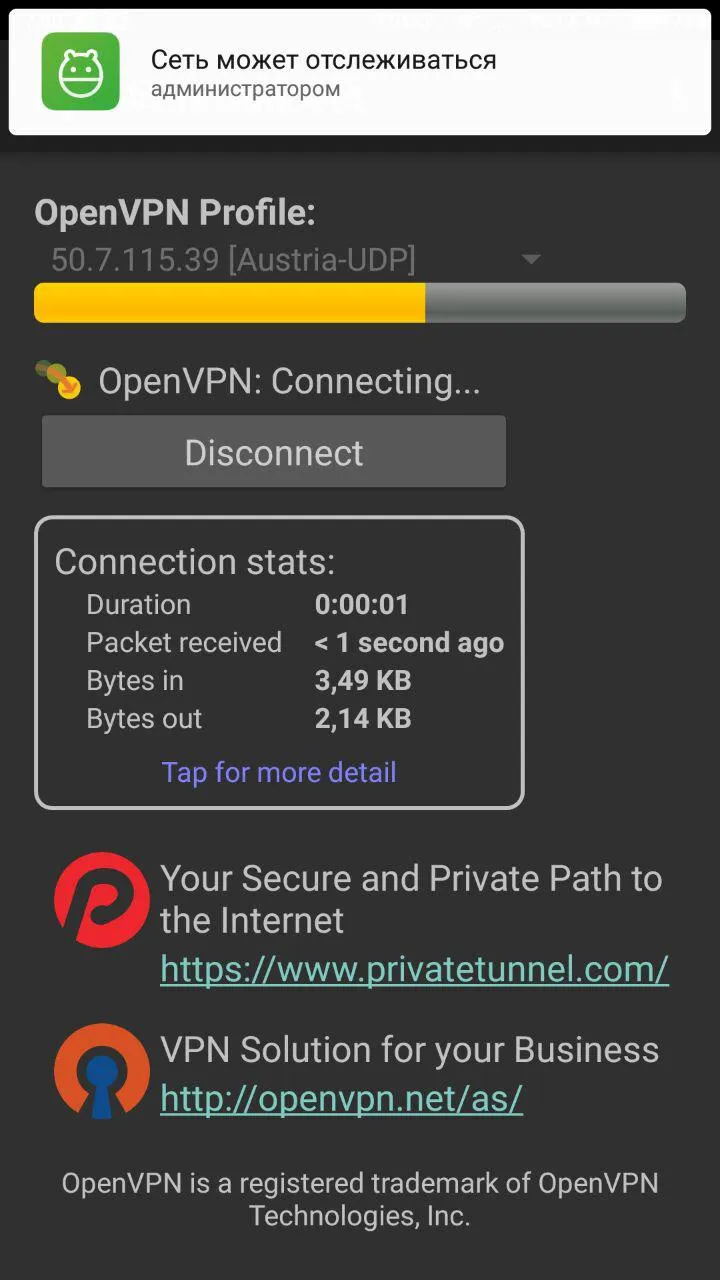
5Connect to the VPN and verify that your IP address has changed.
 English
 Русский