Help with installing a VPN online
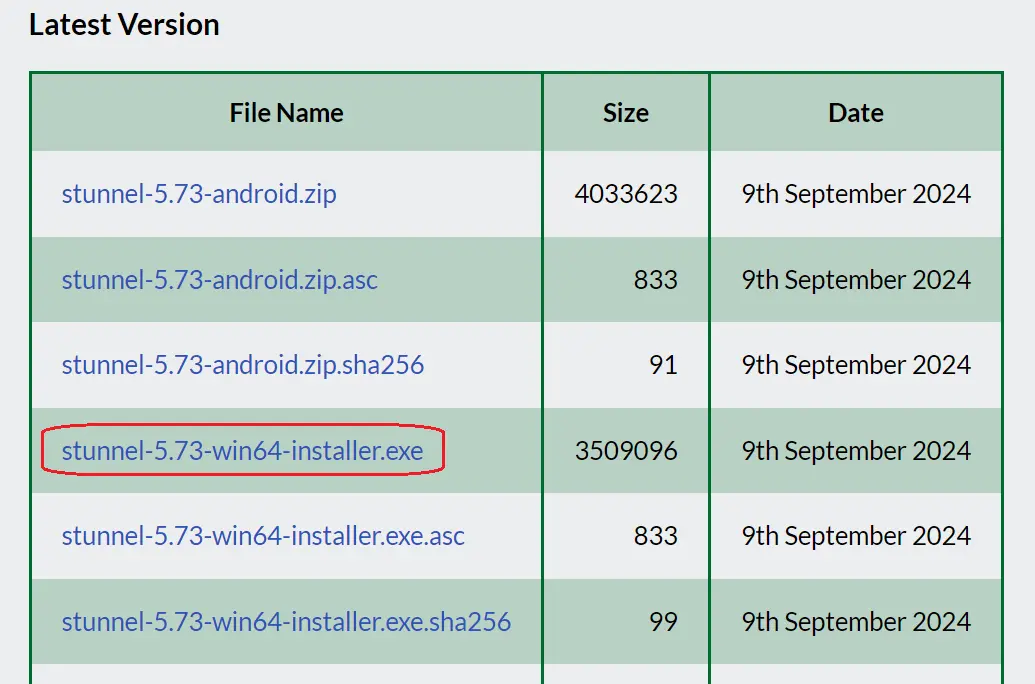
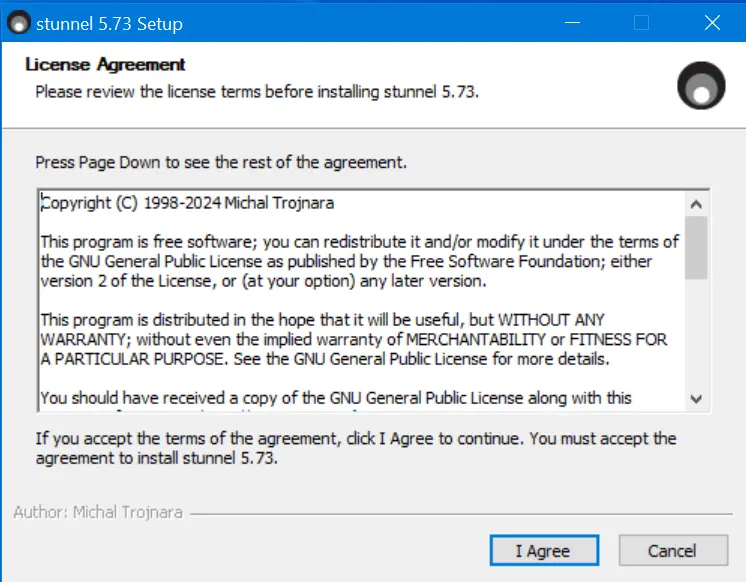
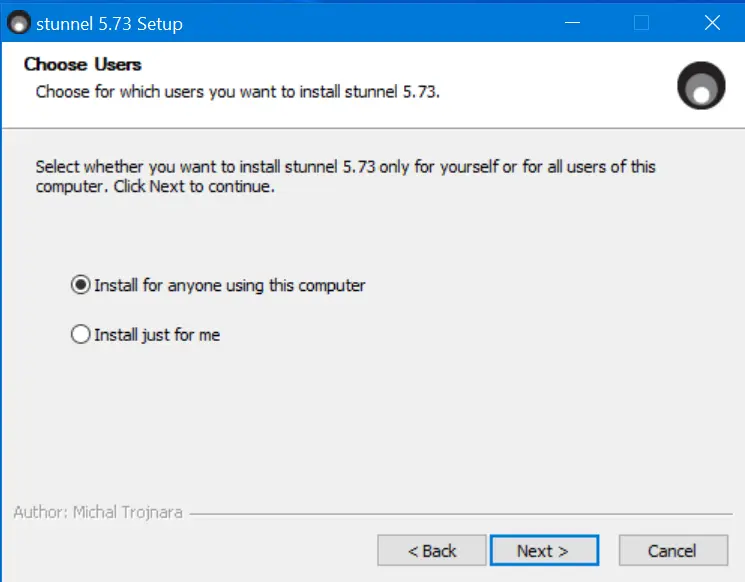
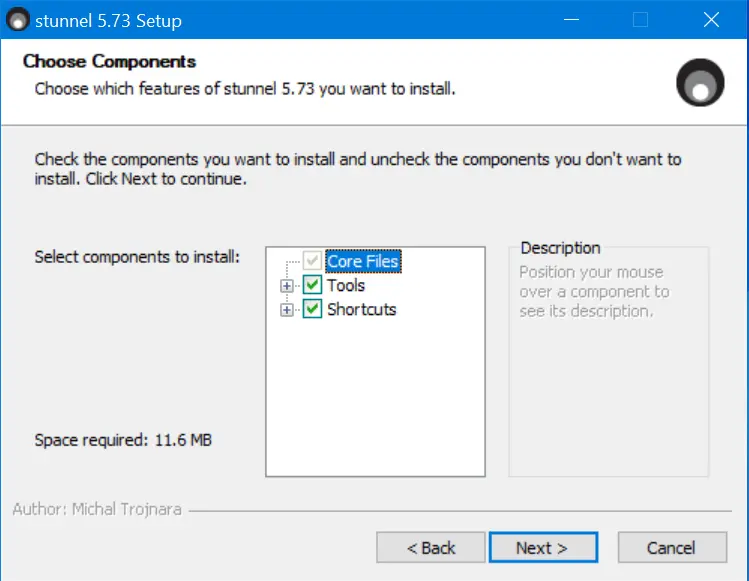
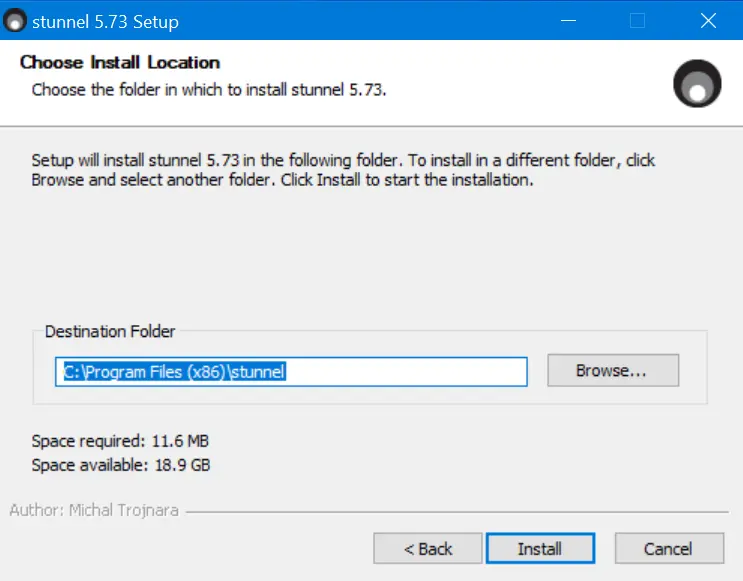
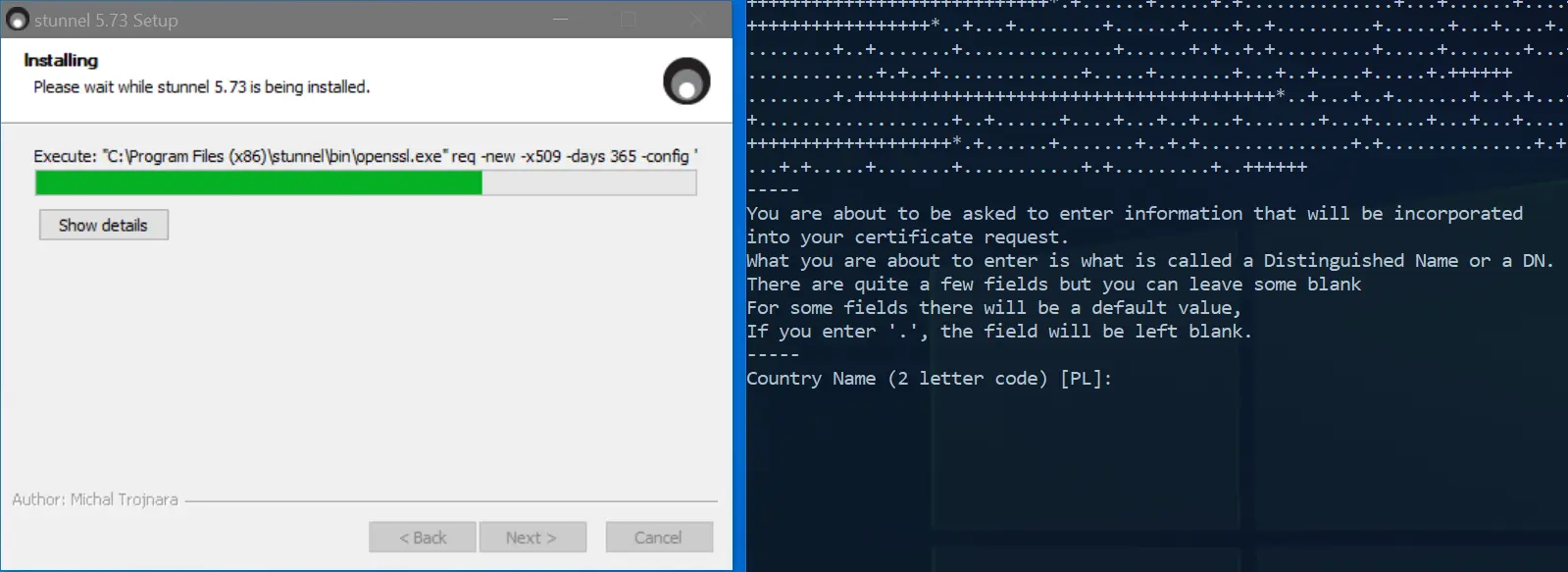
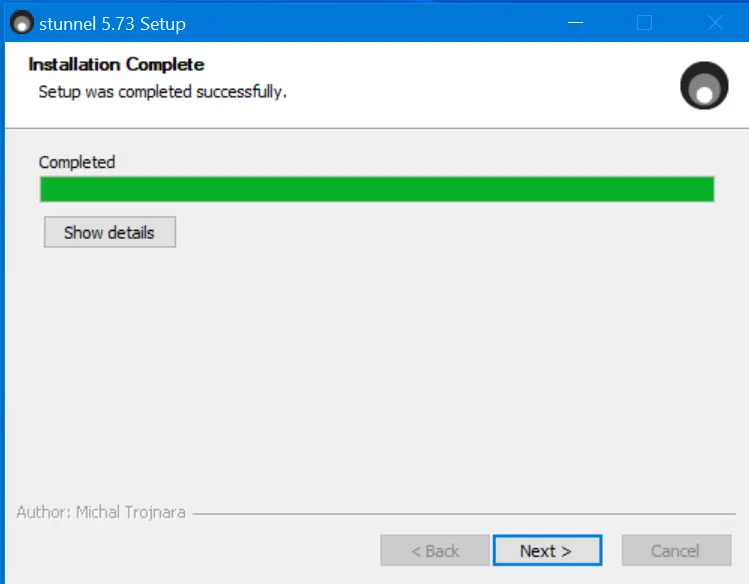
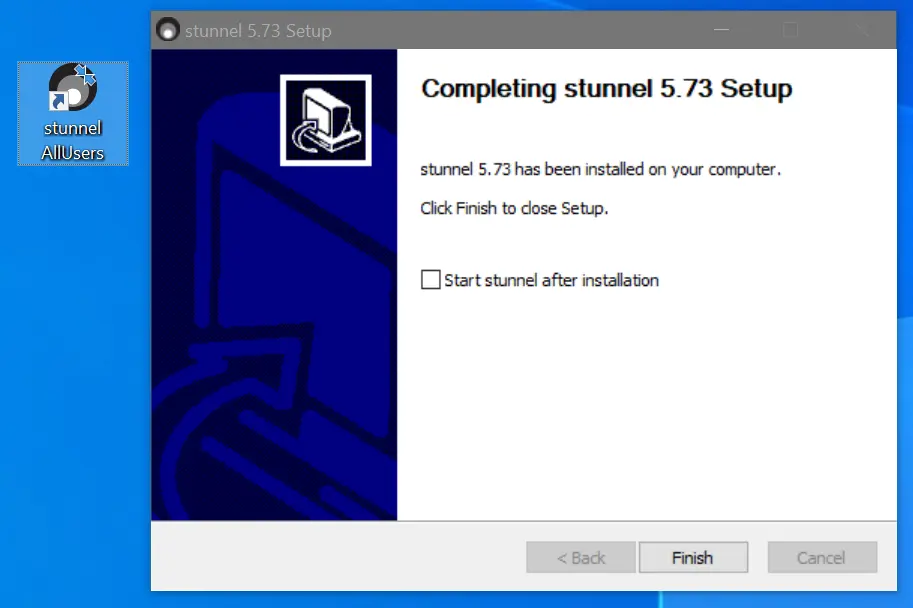
1Download the stunnel program from the official website and install it. Do not change anything during the installation process. During installation, secure channel certificates will be created (press ENTER for all prompts).
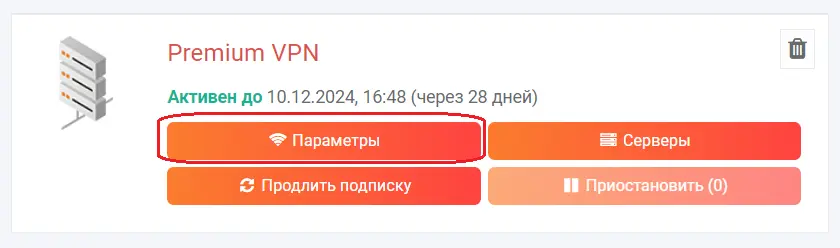
2Go to your Personal Account. If you don't have a PREMIUM VPN subscription, add one.
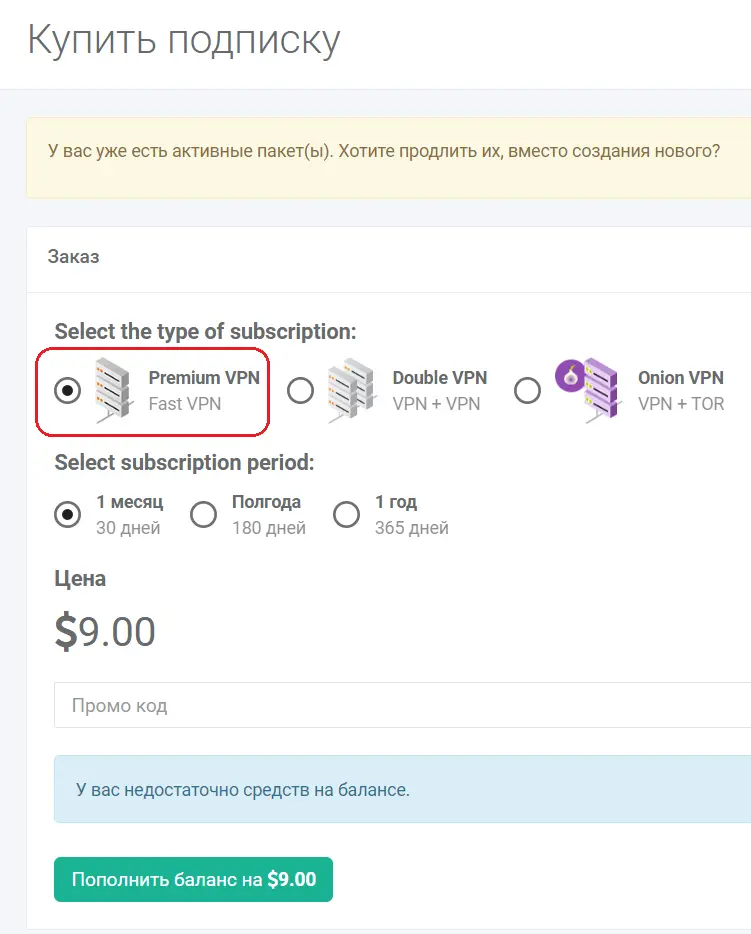
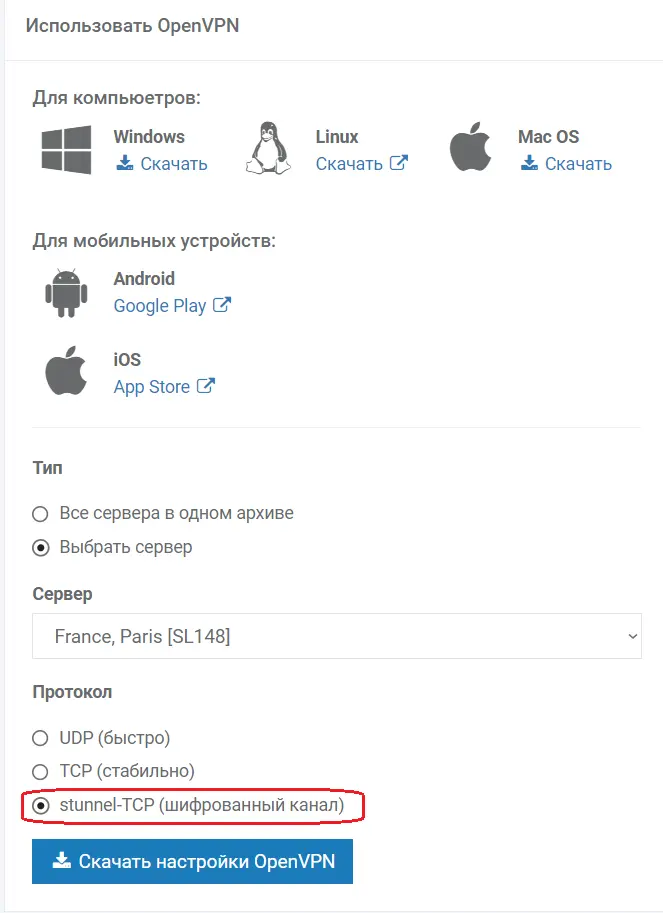
3Download the configuration file for the PREMIUM VPN subscription, stunnel-TCP option.
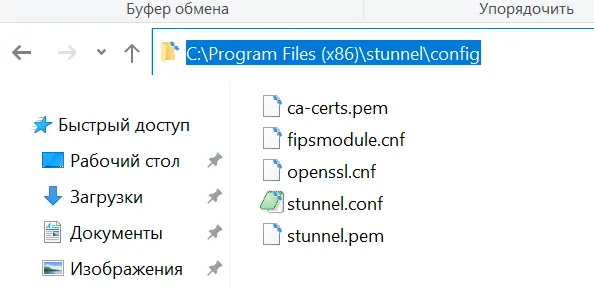
In the downloaded archive, you will see configurations for stunnel and OpenVPN. Replace the existing configuration files with the downloaded ones:
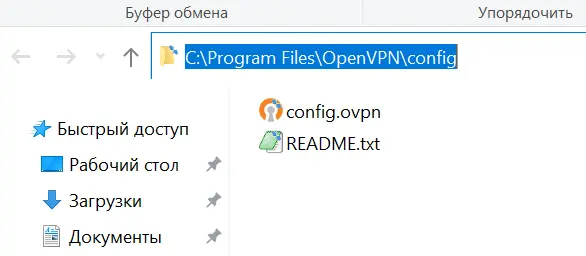
OpenVPN configuration files go to: C:\Program Files\OpenVPN\config
stunnel configuration files go to: C:\Program Files (x86)\stunnel\config
The distinguishing feature of the new configuration files is the mention of port 55555.
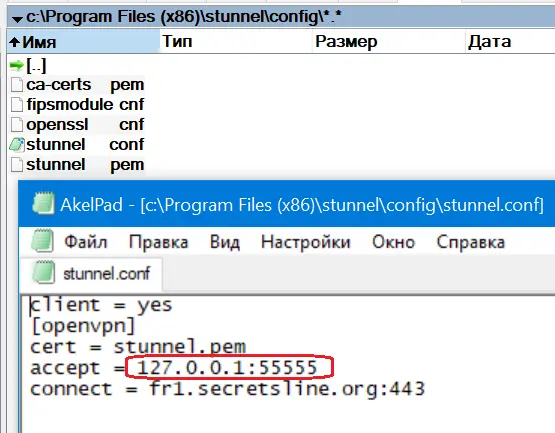
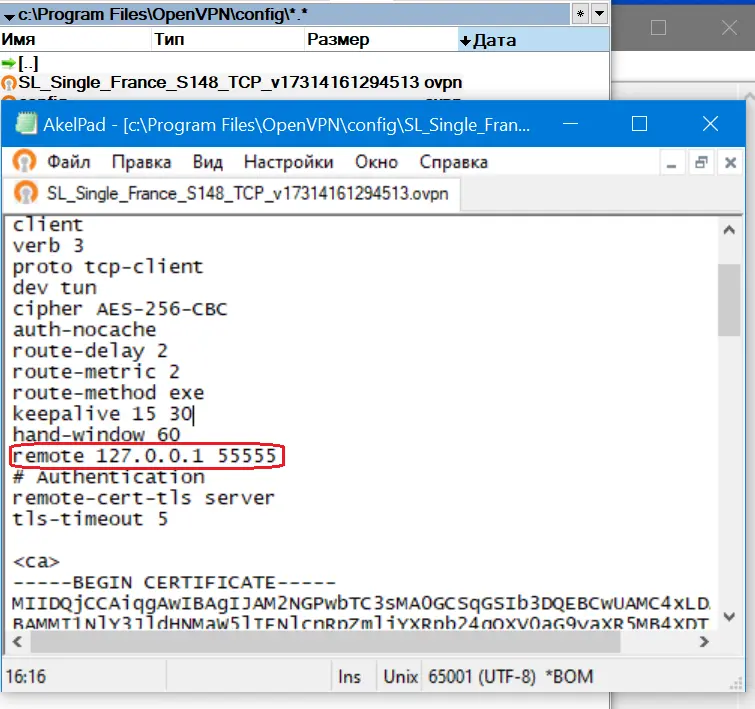
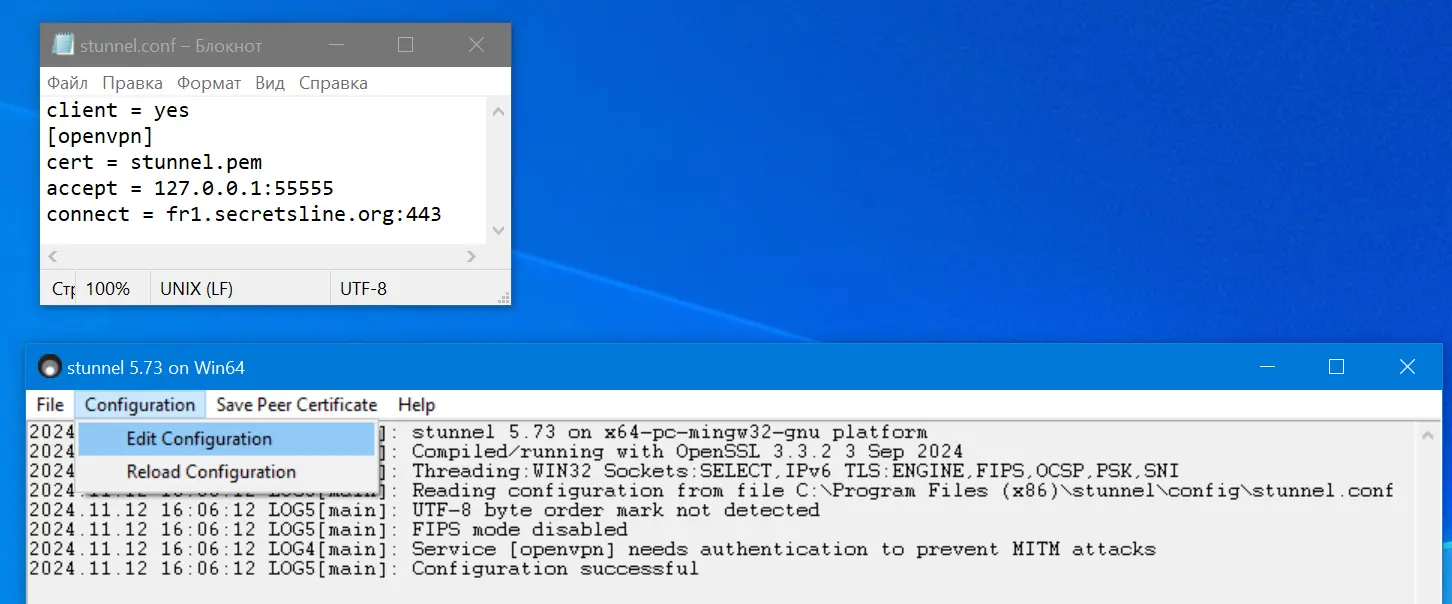
4First, connect the encrypted stunnel channel. Make sure there are no errors in the log.
5Launch OpenVPN-GUI.
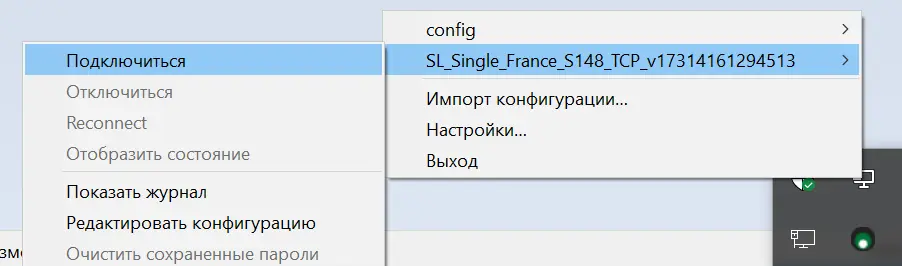
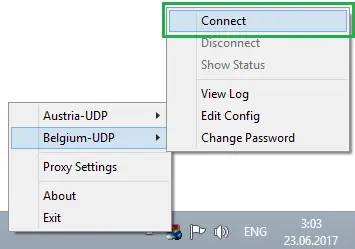
6Open the program's menu in the system tray. Select the Connect item (configurations with port 55555).
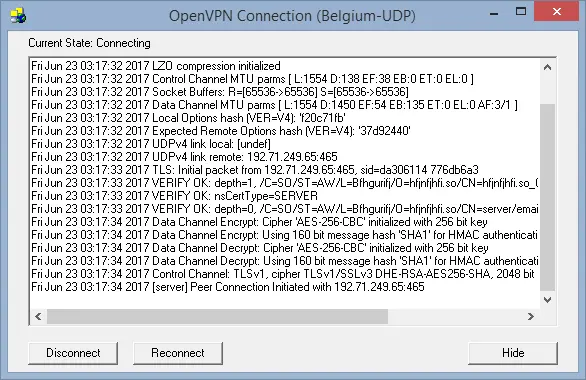
7A window containing the connection log will open.
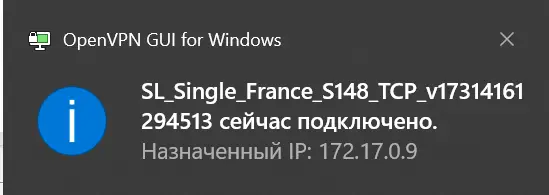
8After a successful connection, a notification will pop up in the system tray.

9Verify that your IP address has changed.
 English
 Русский